

Zoho Books for European Businesses
Jul 16, 2026

Let’s start with our first candidate: Pipedrive, a CRM software designed specifically for sales teams. It was founded in 2010 by a group of sales professionals—literally in a garage in Estonia—who were frustrated by the lack of CRM tools that truly delivered what they needed. So, Pipedrive was built by salespeople, for salespeople. And it’s been a success story ever since. Today, the company boasts over 850 employees across 8 countries, offering a simple yet powerful CRM solution tailored to small and medium-sized businesses.
Pipedrive stands out for one key feature: efficiency. With its versatile functions, it enables sales teams to streamline their processes through sales and marketing automation, deliver exceptional customer service, and access comprehensive reporting to drive better decision-making.
Pipedrive provides a range of sales automation tools, including contact and account management, task and activity tracking with email monitoring, product and price list management, customer contract handling, opportunity and pipeline management, workflows, and more. With email integration, your sales team’s mailboxes can be seamlessly synced with Pipedrive. This way, both customer information and email communication can be centralized in one place.
Marketing automation can include traditional email marketing, lead management, and campaign management. Additionally, it offers customer service features like call center capabilities, including phone support, email support, and live chat options.
Pipedrive offers extensive reporting, featuring forecasts across multiple dashboards to give you a thorough analysis of your sales performance.
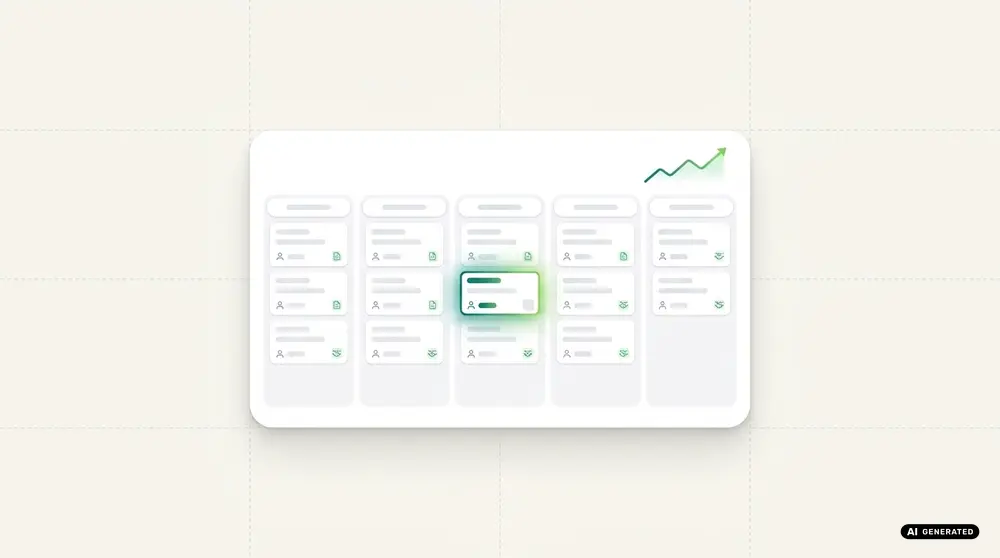
If you take a glance at popular platforms, you’ll quickly see that Pipedrive holds an impressive average rating of 4.5 out of 5 stars. Users particularly value the tool’s ease of use, excellent customer service, and the capability to implement effective sales automation. The numbers tell the story as well: over 100,000 customers across more than 179 countries are currently using Pipedrive.
The CRM is available in five price packages: Essential, Advanced, Professional, Power and Enterprise.
The Essential package starts at €14 per user per month and includes fundamental features like lead, deal, and pipeline management, a calendar, and 24/7 support.
Pipedrive Advanced enhances the Essential package by adding extra email features and web analytics tools, along with a workflow builder and other handy automations, all for €34 per user per month.
In the Professional edition, you’ll get key features designed to optimize performance and enhance reporting, including sales forecasts, predictions, and customizable reports. This package is available for €49 per user per month.
The Power package provides even more features for lead allocation and team management, along with enhanced sales forecasting. You’ll also find additional options for deal and field customization, all for €64 per user per month.
With the Enterprise edition priced at €99 per user per month, you get the full Pipedrive experience. This package includes all functions and features, plus extra security options and an implementation program to help you seamlessly integrate Pipedrive into your operating environment.
Zoho CRM is an on-demand software designed for effective customer relationship management. Launched by Zoho Corporation in 2005, this cloud-based tool provides a comprehensive solution for managing customer relationships for small and medium-sized businesses as well as larger corporations. Founded in 1996, Zoho is an Indian company that offers over 45 applications, delivering digital solutions across various business sectors. The company operates in more than 55 countries, with its modules available in over 20 languages.
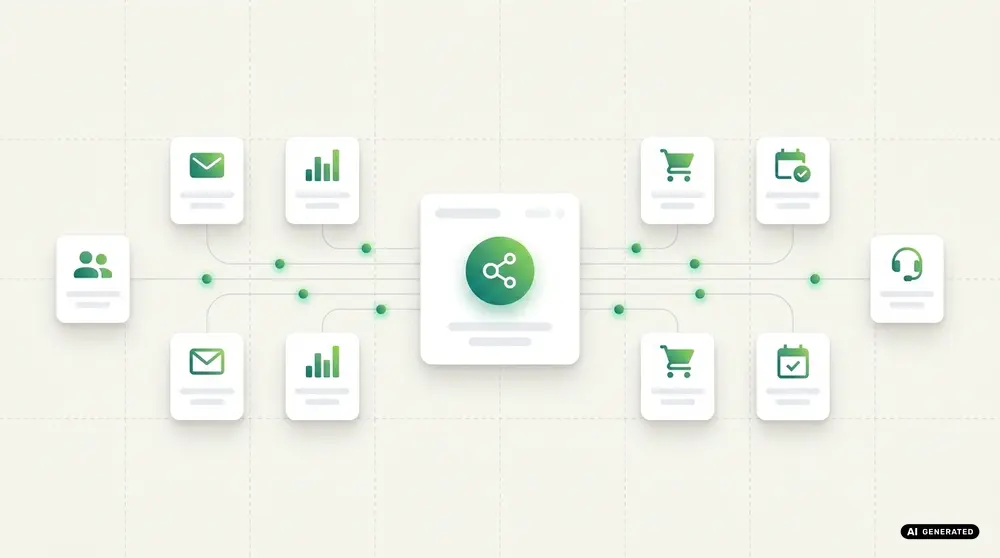
Similar to Pipedrive, Zoho CRM offers its software in five pricing tiers, with monthly rates ranging from €14 to €52. One major advantage and unique selling point of Zoho CRM compared to its competitors is its free basic version, available for up to three users. This package includes all the essential features that small to medium-sized businesses need to get started.
The paid plans begin with the Standard edition, priced at €14 per user per month. This version provides significantly more features, including the ability to use multiple pipelines and access more detailed reporting.
The Professional edition, available for €23 per month, offers unlimited access to all standard features, along with customizable dashboards and unlimited email templates.
The Enterprise package, priced at €40 per month, offers significantly more features and is the most popular plan among users. It stands out for its enhanced customizability, allowing for user-defined modules, page layouts, and buttons.
The Ultimate package is ideal for anyone looking to access all the features Zoho CRM has to offer for their business. Priced at €52 per user per month, it’s especially well-suited for large companies due to its extensive configuration options across all areas and the ability to manage many more groups and teams.
Living up to the motto “Zoho CRM is for everyone,” the software is utilized not just by small and medium-sized businesses, but also by global giants like Netflix, Amazon, Suzuki, and Pacific Controls. In total, Zoho CRM is now in use by over 250,000 companies.
Before diving into the ultimate Pipedrive vs. Zoho comparison, let’s take a moment to discuss CRM in a bit more detail. (After all, we’ve used this term quite a few times in this blog!) Understanding the need for CRM software starts with grasping its definitions and the potential it offers.
CRM stands for Customer Relationship Management and refers to the processes involved in managing and nurturing customer relationships. CRM software is designed to facilitate lead acquisition, meaning attracting new customers, as well as maintaining relationships with existing ones. The goal is to systematically develop customer relationships and, most importantly, sustain them over the long term.
There isn’t a single definition of CRM. When discussing customer relationship management, we can differentiate among three approaches: CRM as software, CRM as a strategy, and CRM as a process.
CRM as software pertains to applications like Pipedrive and Zoho CRM. This approach emphasizes the technological tracking, analysis, and presentation of all business interactions with customers. On the other hand, CRM as a strategy involves intentionally aligning business processes with customer needs to create the best possible customer experience.
CRM as a process encompasses the overall procedures for customer orientation, including both the technological and strategic methods used by a company, along with systematic approaches to managing customer relationships.

On impulse, we would say the answer is ALWAYS! However, if you’re working solo or have a small customer base, you can often manage CRM the traditional way—using an order book or an Excel spreadsheet. Even individual Post-it notes can serve as a simple to-do list or reminders for appointments and tasks.
However, as your company grows, this method can quickly become confusing and problematic. Once your team expands, managing everything on a single list becomes impractical, and to-dos can easily get overlooked. This is especially true if an employee is absent and their replacement lacks access to the mailbox, making it difficult to check the order status for a customer.
CRM software tackles these issues head-on: it ensures that everyone in the sales team has a clear view of every customer, including email communication and order status. This level of transparency is crucial, and with automation and workflows in place, the software helps remind you of tasks, ensuring that no sales opportunities slip through the cracks.
You’ve likely experienced it yourself: when you’re a satisfied customer, you tend to remain loyal to the company you buy from for a longer time. That’s exactly why it’s essential to prioritize maintaining customer relationships—this strengthens connections and unlocks additional potential. In short, the market is highly competitive, and you need to put in the effort to retain customers and keep them happy.
Using a CRM is also essential today for securely managing customer data. With GDPR compliance at the core of all reputable CRMs, you can be assured that this data is actively protected. Automated processes help ensure the safe storage and processing of personal information.
Like any software project, CRM implementations can encounter mistakes that may lead to the system’s introduction or usage failing. In fact, 60-70% of all CRM projects don’t succeed due to various reasons or errors made by the project team or management.
First and foremost, a CRM project can fail if individual business objectives aren’t considered, meaning the CRM doesn’t contribute to the company’s success. Additionally, if these goals and the requirements for a new system aren’t communicated with employees, it can lead to problems. To ensure your project succeeds, it’s crucial to understand which features the tool needs to facilitate effective collaboration.
Thorough planning for CRM implementation is essential and remains a fundamental requirement. Without it, the project is unlikely to succeed. It’s best to collaborate with employees to develop the project plan, identify the workflows of all departments, and outline the optimizations that the CRM should achieve. Additionally, be sure to plan for application testing and the creation of a user guide.
This training could be handled by a CRM project manager you appoint, who will ensure that all teams are trained on the CRM and receive ongoing training. If this doesn’t happen and you introduce a new CRM to your employees without proper training, dissatisfaction is likely to grow, potentially leading to a refusal to use the application altogether. So, it’s crucial to take all employees along on this journey!
We’ve reached the end of our comparison, and now you have plenty of information to consider. We hope we’ve provided you with valuable insights for your CRM selection. If you’re still uncertain, remember to focus on key indicators like goals, requirements, and budget as your guiding principles. If you need assistance in accurately assessing your current situation and requirements, and if Zoho has caught your interest, we’re here to help! As a certified Zoho partner, we can evaluate your current status, offer recommendations, create a project plan, and implement Zoho CRM tailored to your needs. We’ll also be there to train your employees on how to use the software and provide ongoing support even after the go-live to ensure your CRM continuously improves!





With us, you have one partner for all your digital needs. From strategy and consulting to development, marketing and ongoing support, we help you build, connect and optimise your digital systems. We work with you from the initial idea through implementation and beyond, supporting your digital transformation every step of the way.


codafish ><> your digital agency
+1 888 9263234
hello@codafish.netFeel free to contact us for a free initial consultation. We’d be happy to hear from you!
The data provided will be transmitted in encrypted form and treated in accordance with the data protection law. You can find our data protection information here.







Explore the right apps and bundles for your business – or let's find them together.
50+ apps. One connected system.
